
Cleo: Phone Storage Cleaner
Find duplicate and similar photos, blurry shots and large videos — and free up space on your phone.
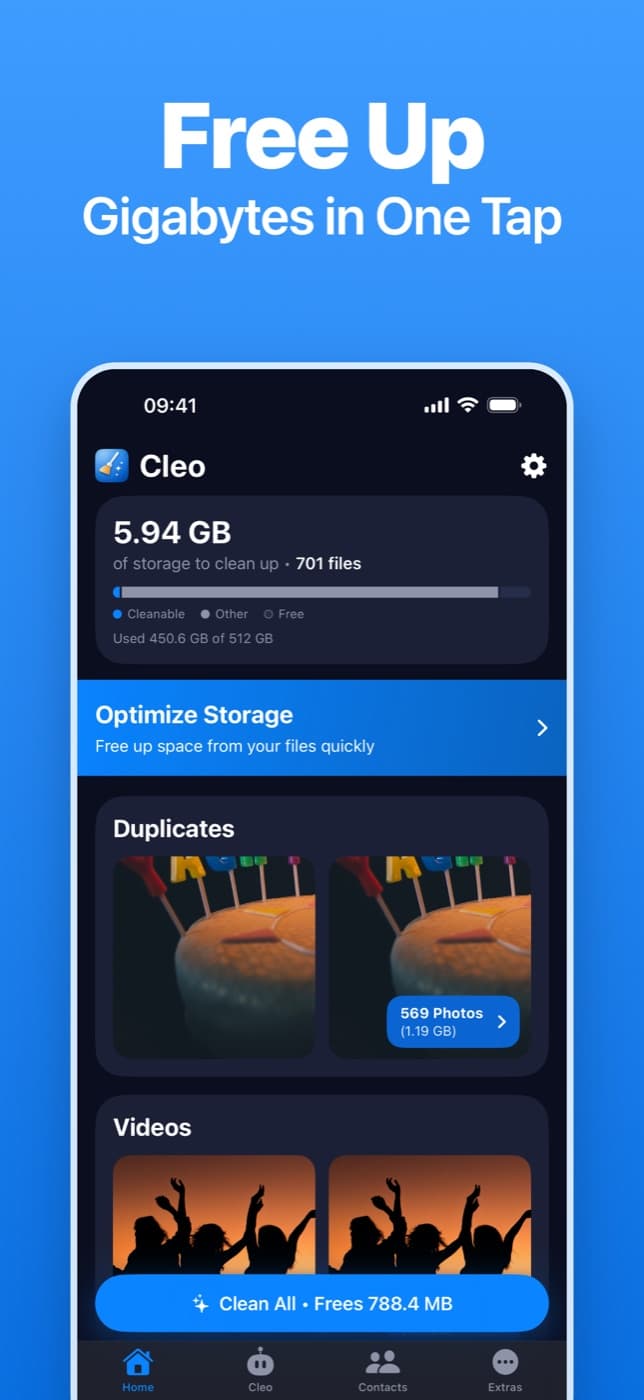
What Cleo does
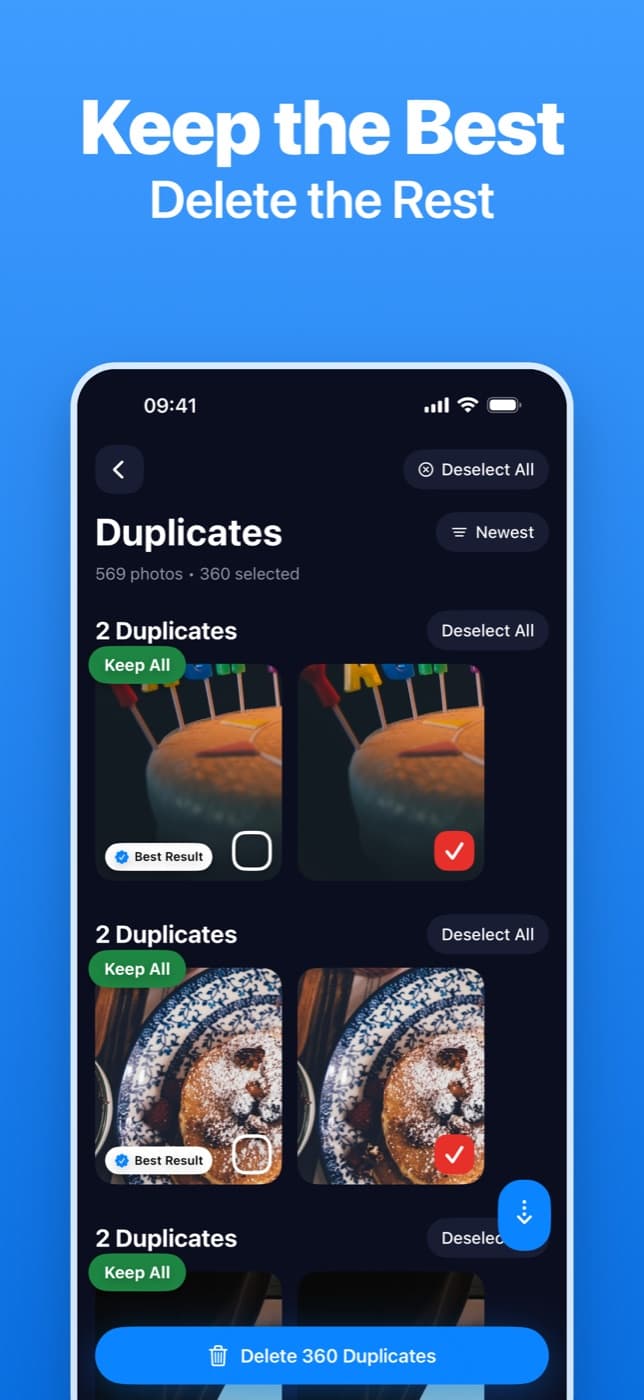
- Duplicate & similar photosFinds exact copies and near-identical shots, keeps the best one and pre-selects the rest. Nothing is deleted until you confirm.
- Blurry shots & screenshotsSpots out-of-focus photos and old screenshots you no longer need.
- Big videos, smallerCompress large videos to save space, or turn Live Photos into stills on iPhone.
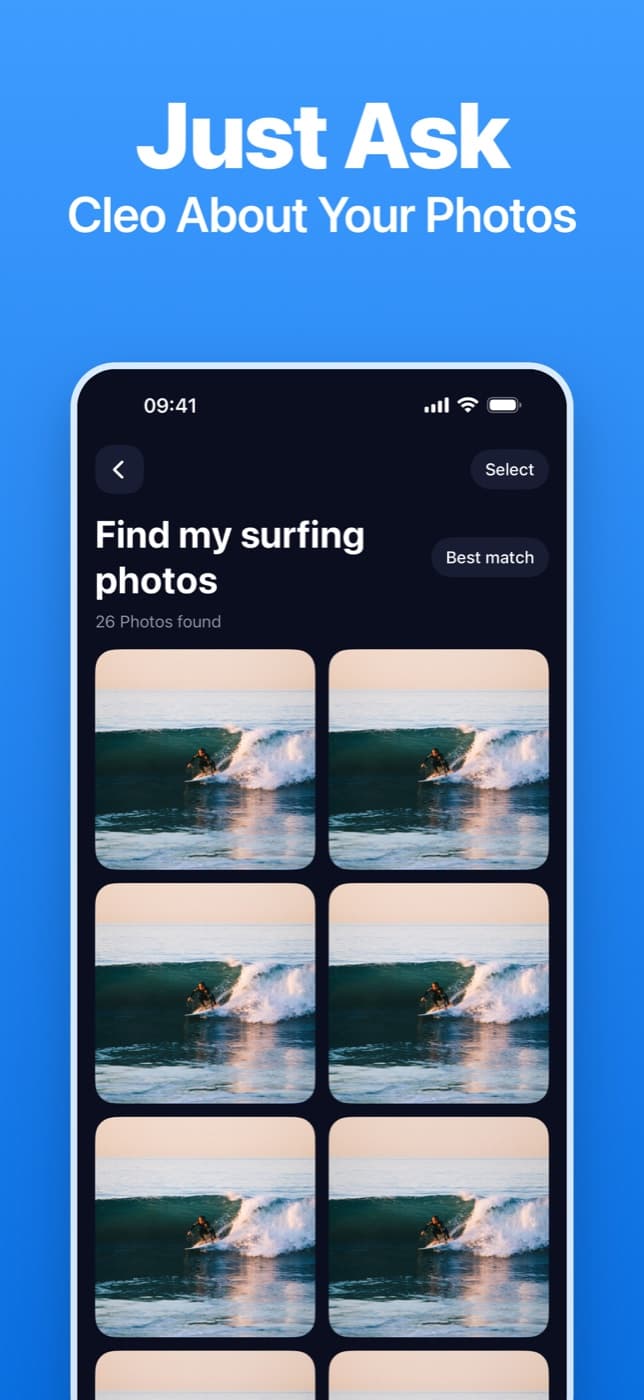
- Just ask CleoFind photos by describing them — “my cat”, “ID cards” — and review them in one place.
- ContactsMerge duplicate contacts and tidy up incomplete ones.
- Secret LibraryKeep private photos and videos in a PIN-protected vault on your device.
Your photos stay on your phone
Scanning, comparison, blur detection, face grouping and search all run on your device. Your photos, videos and contacts are never uploaded. You don’t need an account to use Cleo.
Cleo never deletes anything on its own: every cleanup waits for your confirmation, and deleted photos go to your phone’s Recently Deleted album first.
Email Cleaner and your Google data
The Email Cleaner (rolling out) lets you connect a Gmail account and clear out promotions, social notifications and newsletters in bulk. It only runs if you choose to connect an account.
When you connect, Cleo asks Google for the gmail.modify permission so it can count and list messages by category, show a message you open, move the messages you select to Gmail’s Trash (recoverable for 30 days), and send the unsubscribe requests you ask for. These requests go straight from your device to Gmail — your messages are never copied to our servers, and you can revoke access at any time.
Cleo’s use and transfer of information received from Google APIs adheres to the Google API Services User Data Policy, including the Limited Use requirements. Full details are in our Privacy Policy (section 6).